

DJI Osmo Mobile 8 Smartphone Gimbal
Price range: ₵1,699.00 through ₵2,199.00
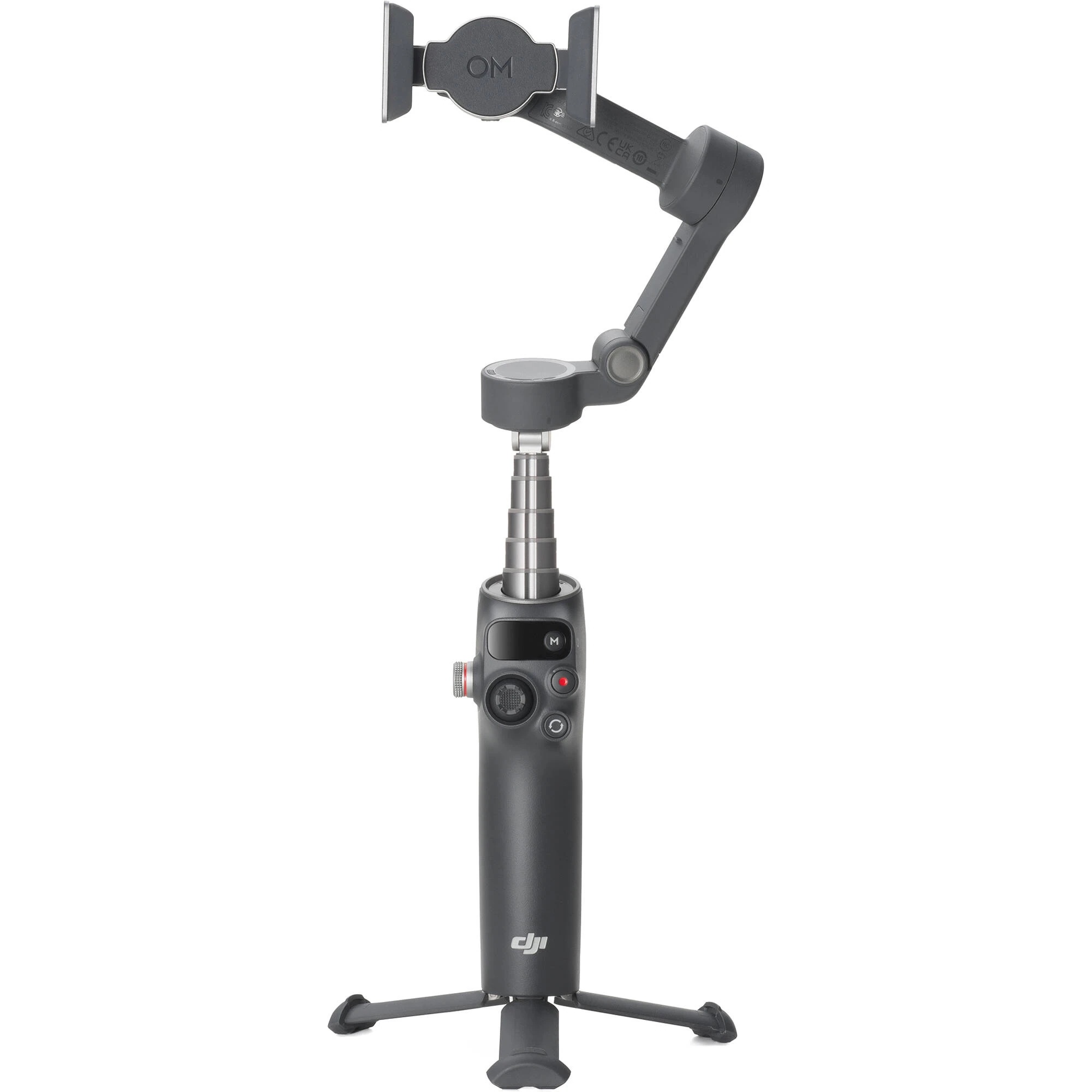
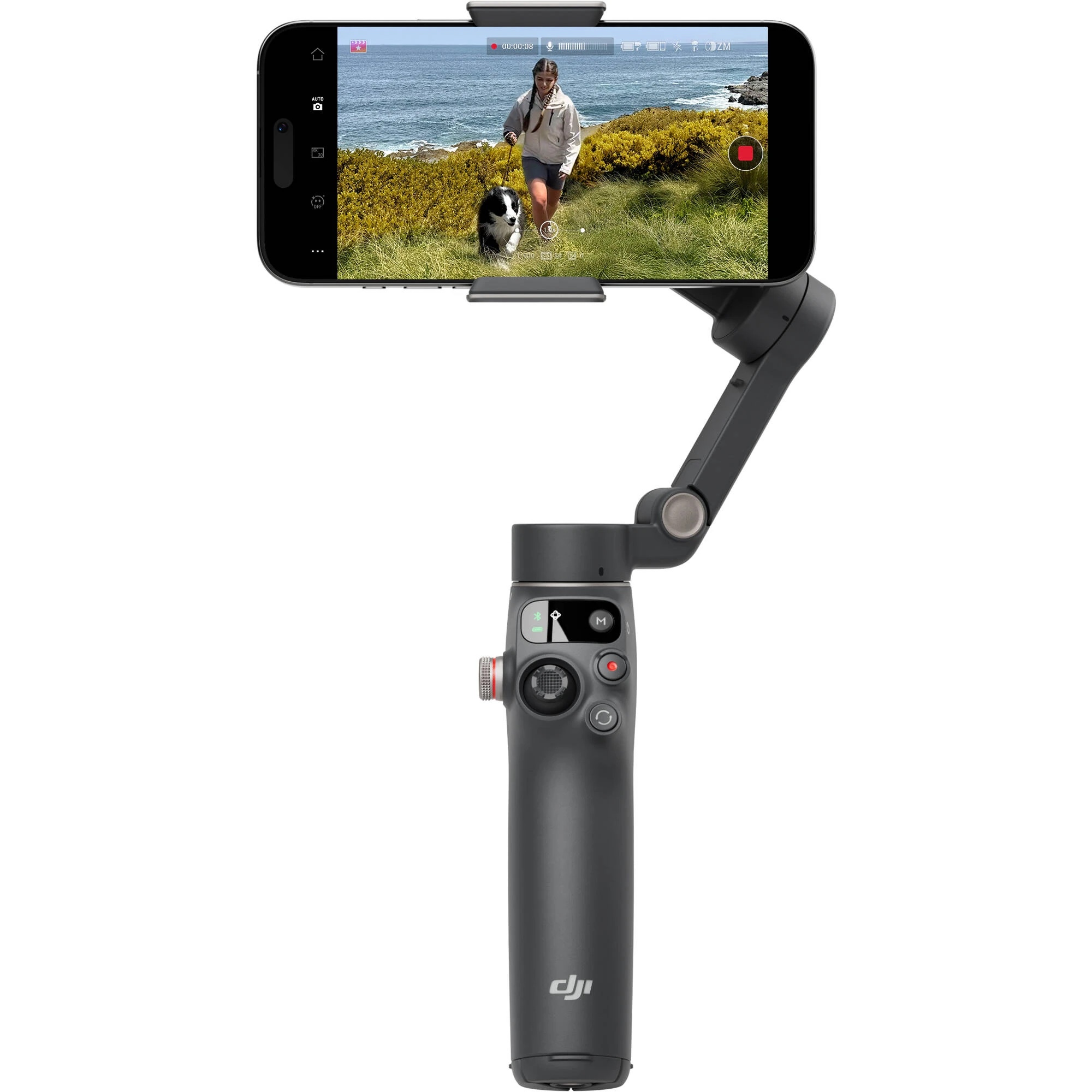
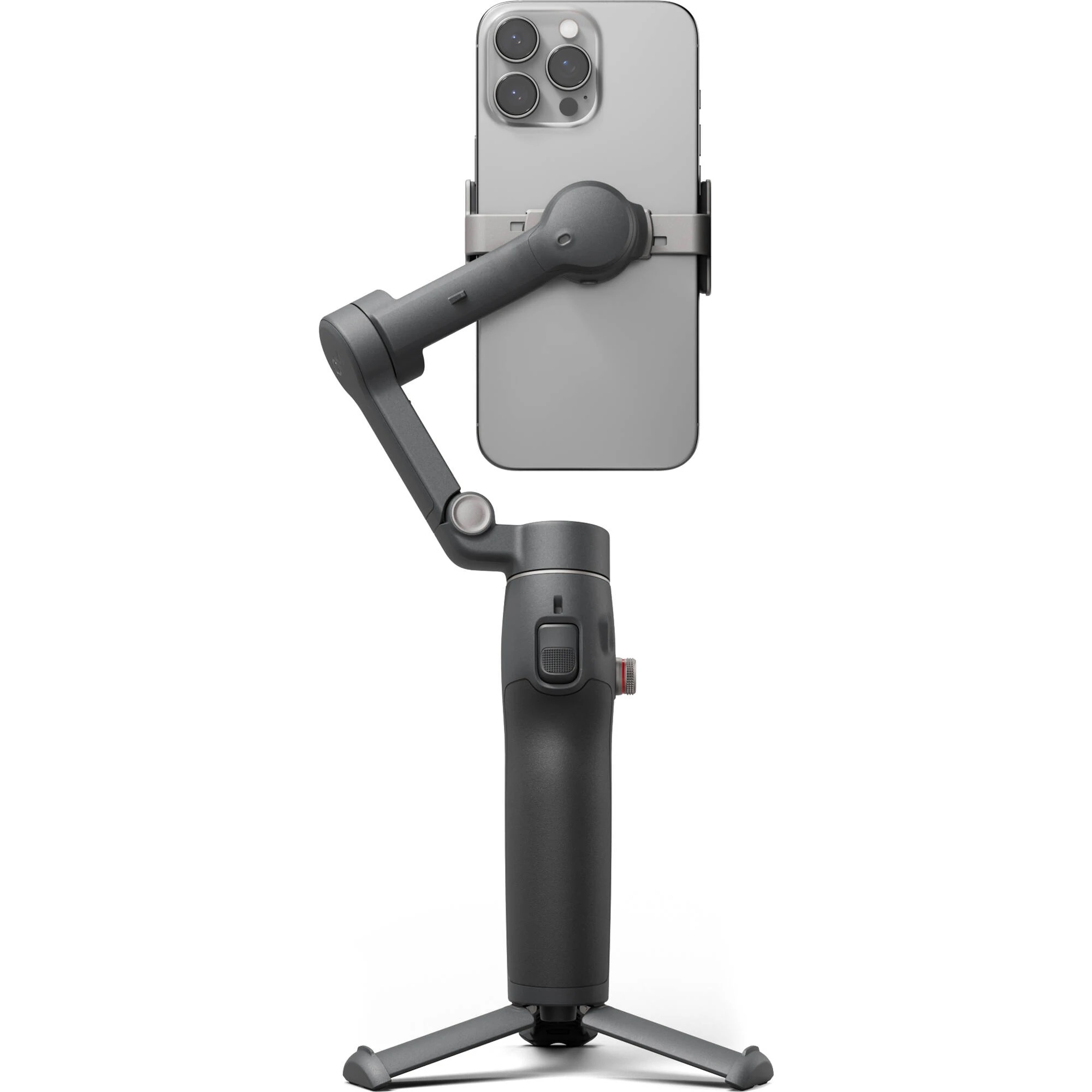
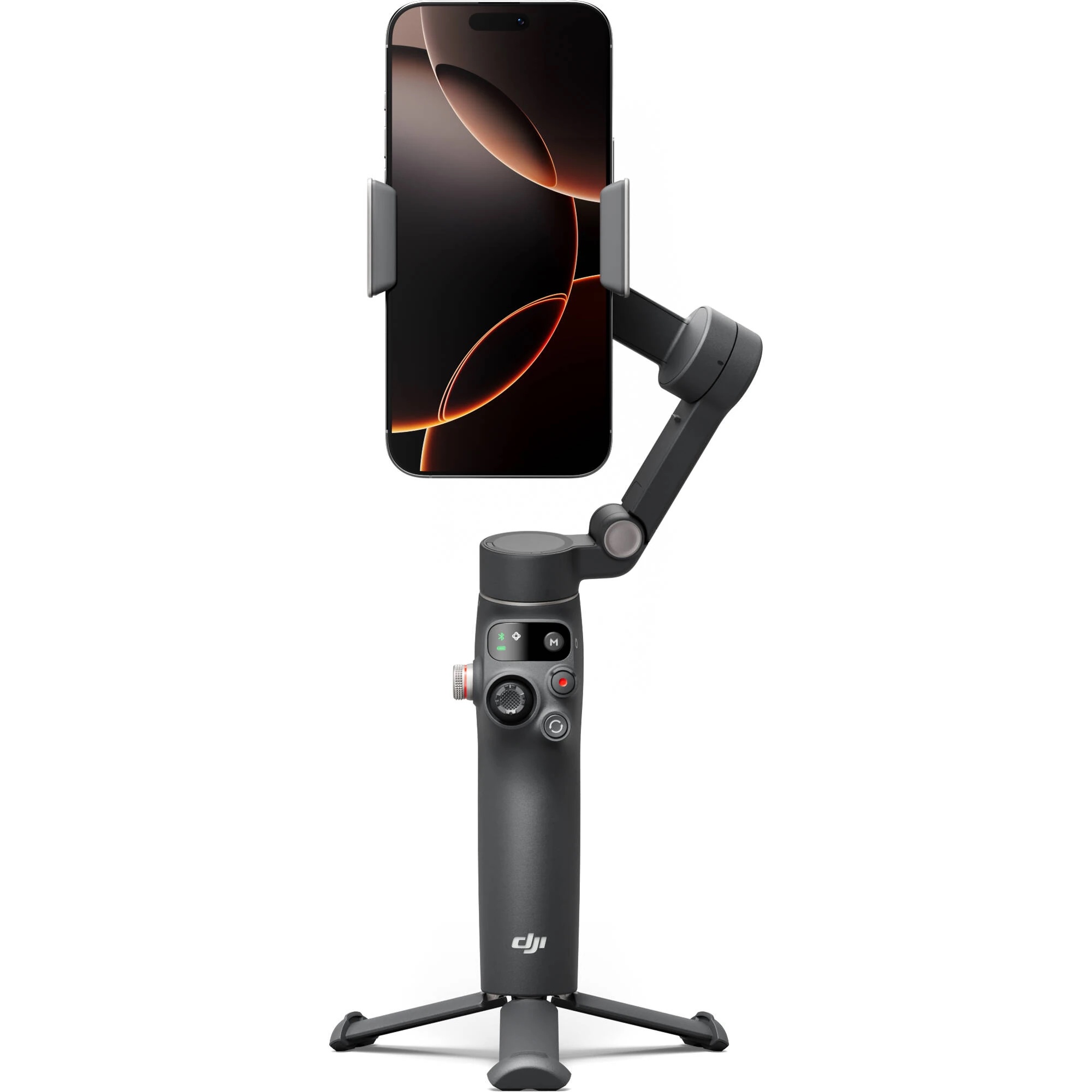
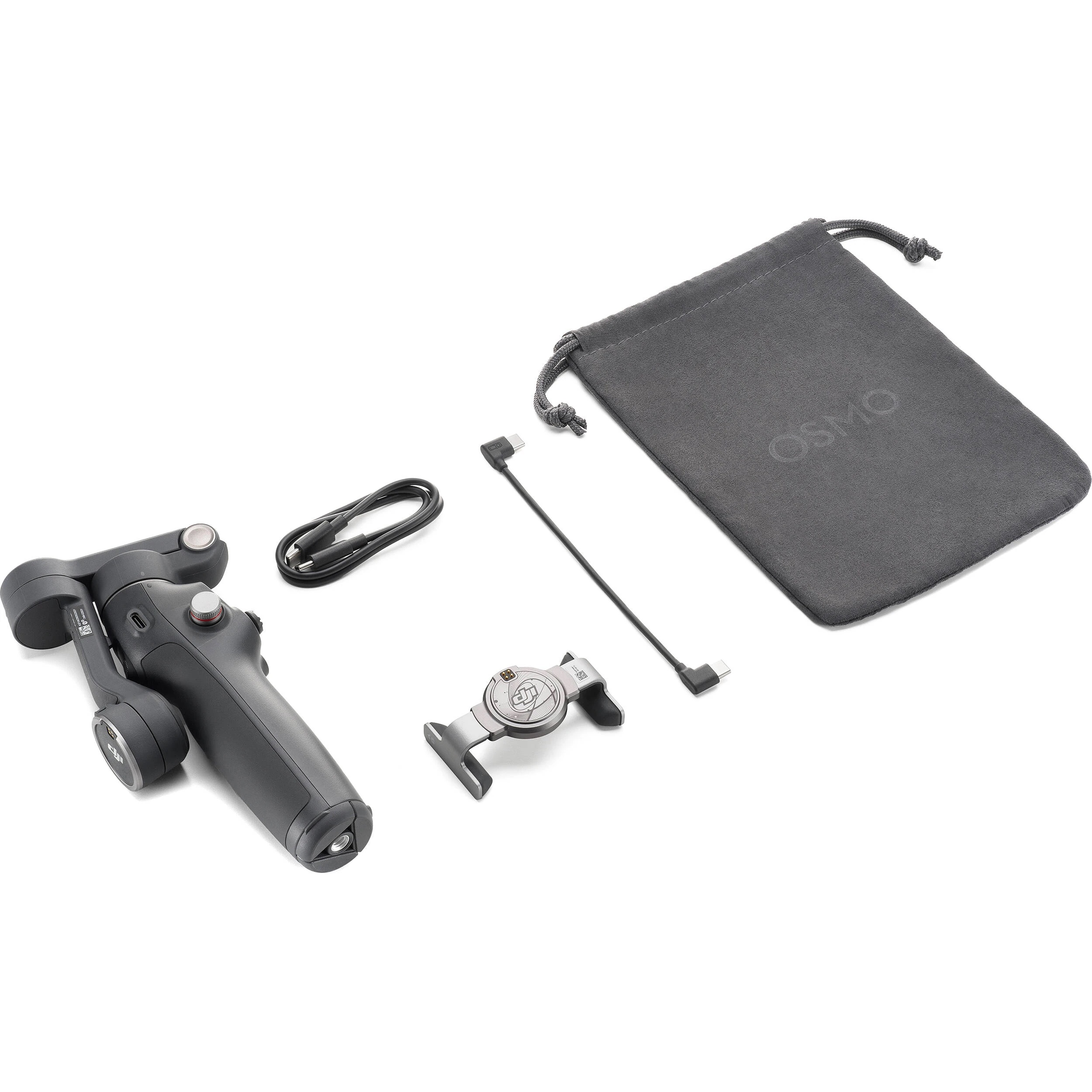
Accurately track subjects while maintaining stable smartphone footage with the DJI Osmo Mobile 8 Smartphone Gimbal. The updated gimbal stabilizer offers ActiveTrack 7.0 technology. It includes a magnetic phone clamp that supports smartphones up to 3.3″ wide in a fast mounting interface, and a built-in extension arm and tripod. Other updates include direct smartphone connection with support for Apple DockKit, a USB-C output for charging your camera, and a counterweight mounting hole for adding an optional counterweight.
Quick-Launching Device
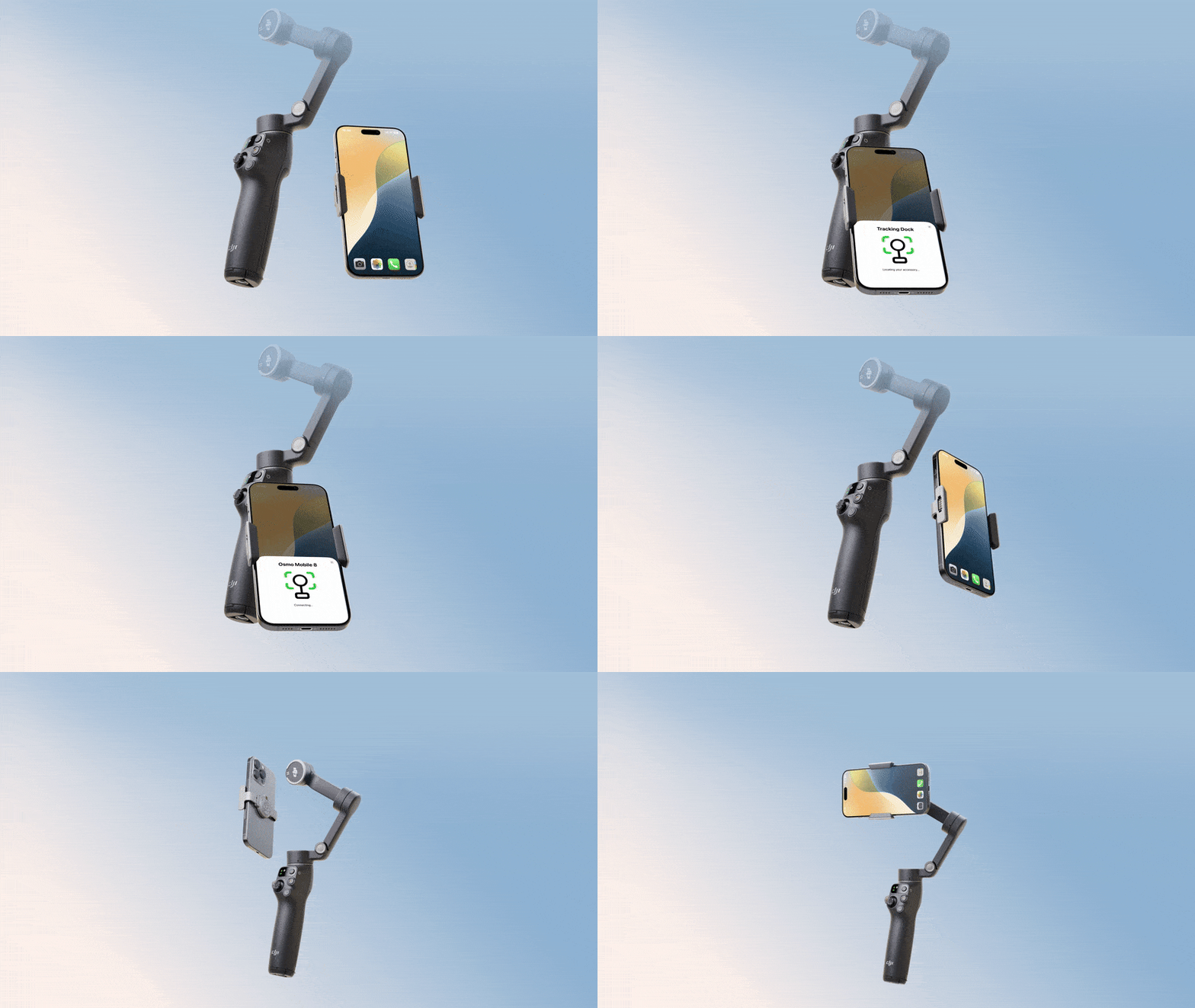
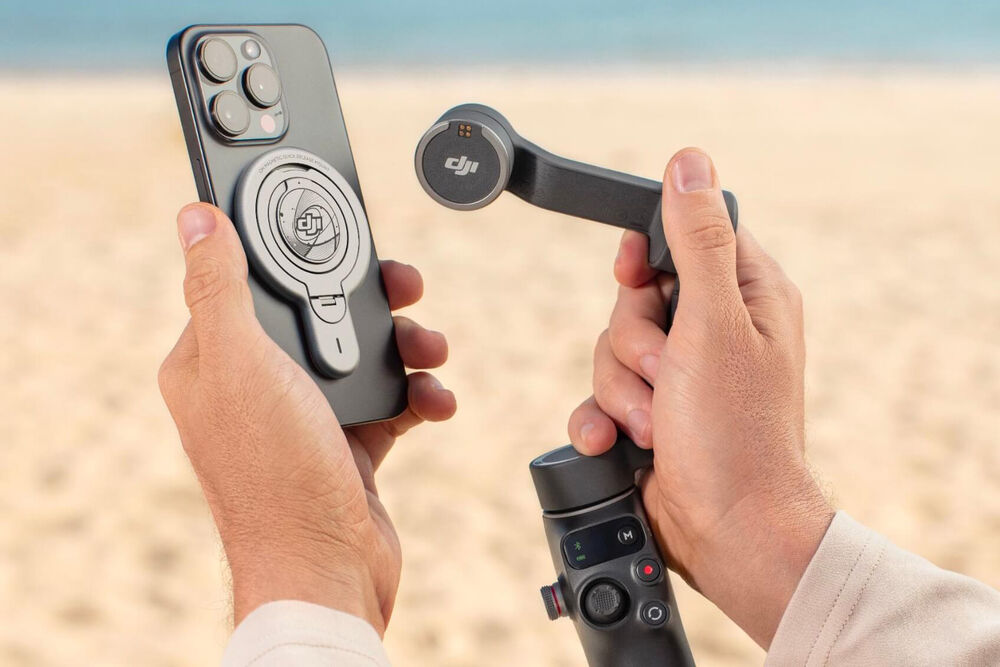
iPhone users can also use the separately available DJI OM Magnetic quick release mount to skip the phone clamp to streamline their setup process.
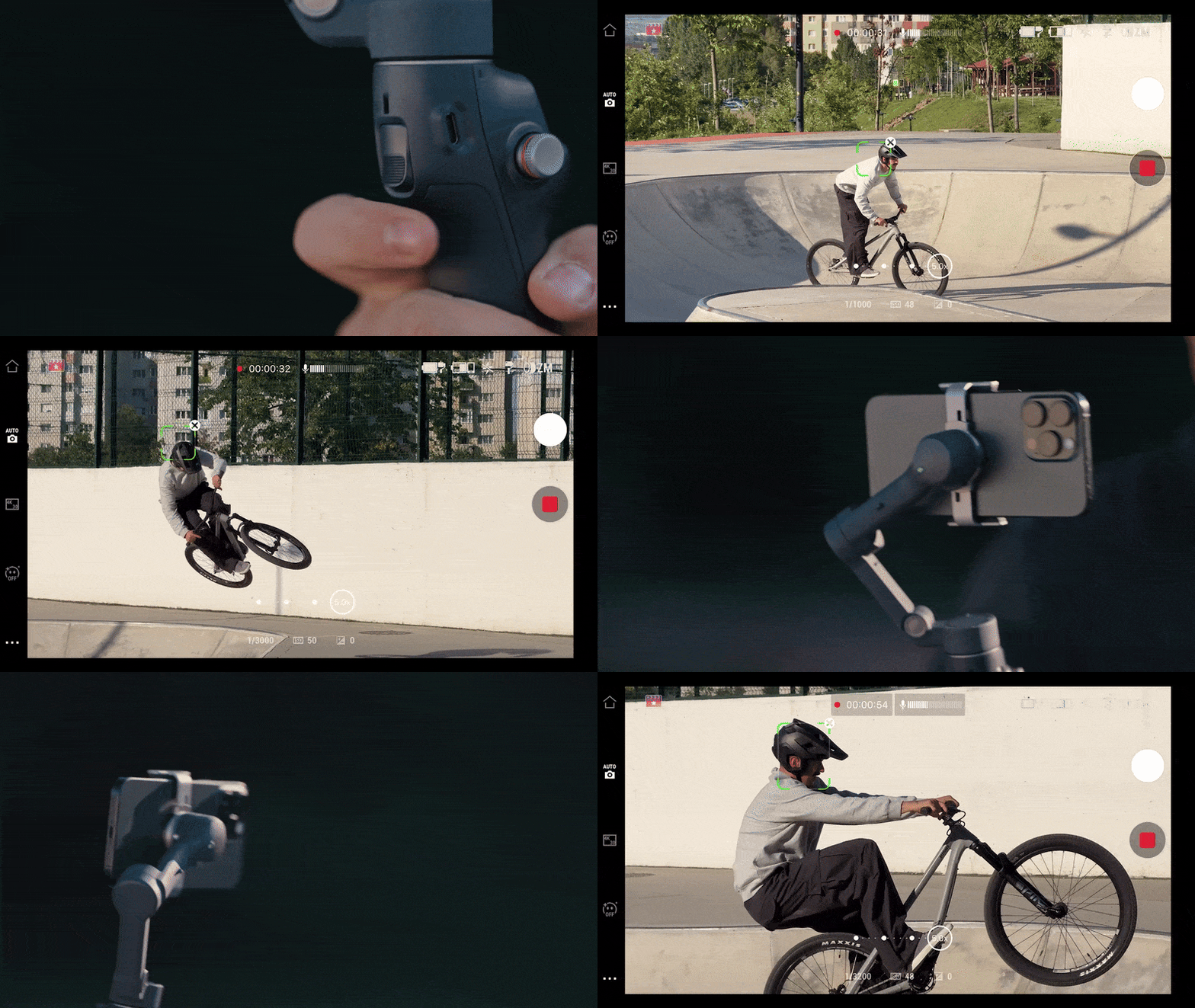
3-Axis Stabilization and ActiveTrack 7.0
Dual-Lens Boost
Compact, Extendable Form Factor
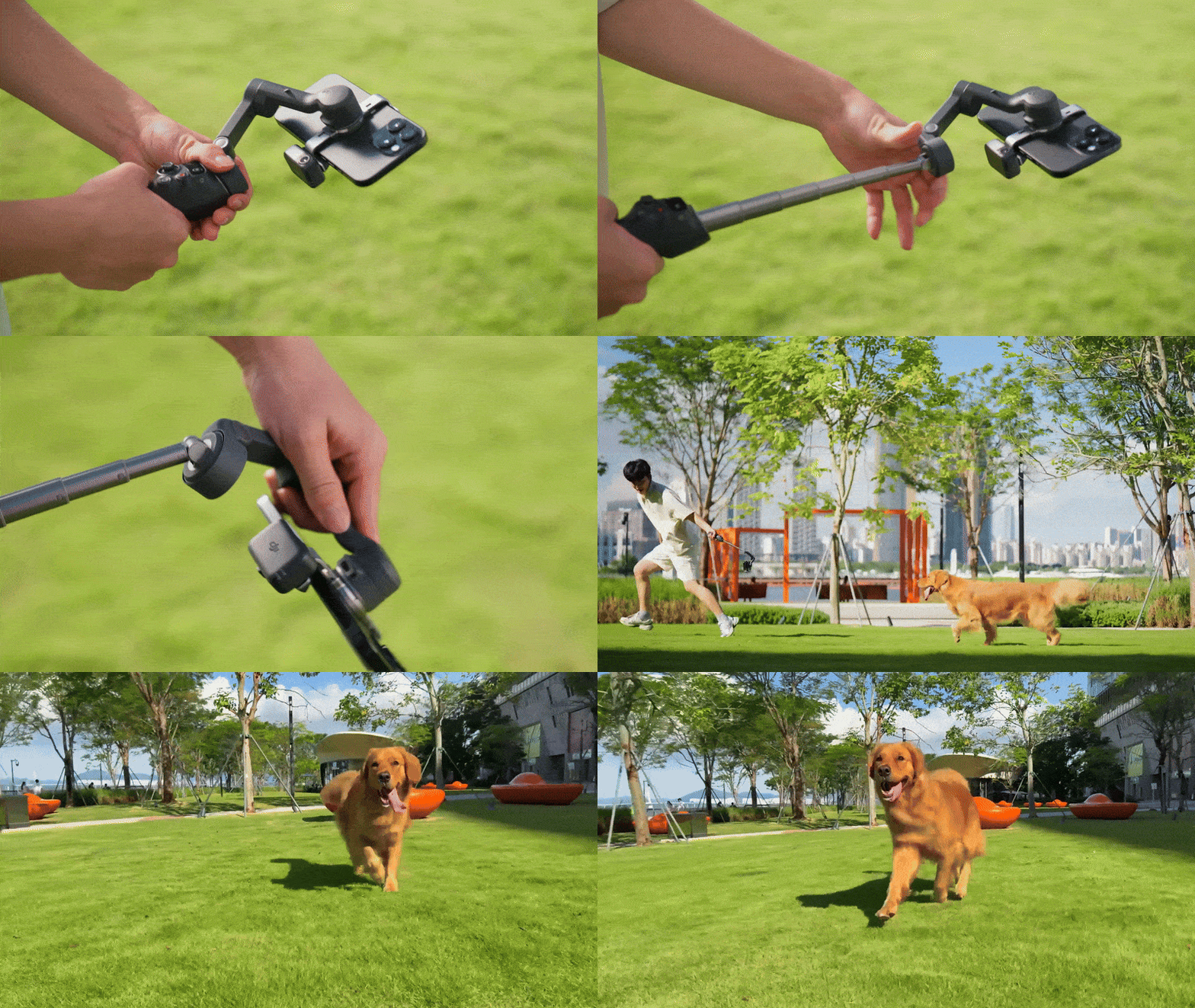
- Film with low- or high-angle perspectives
- The pan axis tilts to create an even lower angle for shooting from very low angles
- Extension rod for an additional 8.5″ length
- Ultracompact, foldable design with comfort handgrip
Intuitive Onboard Controls
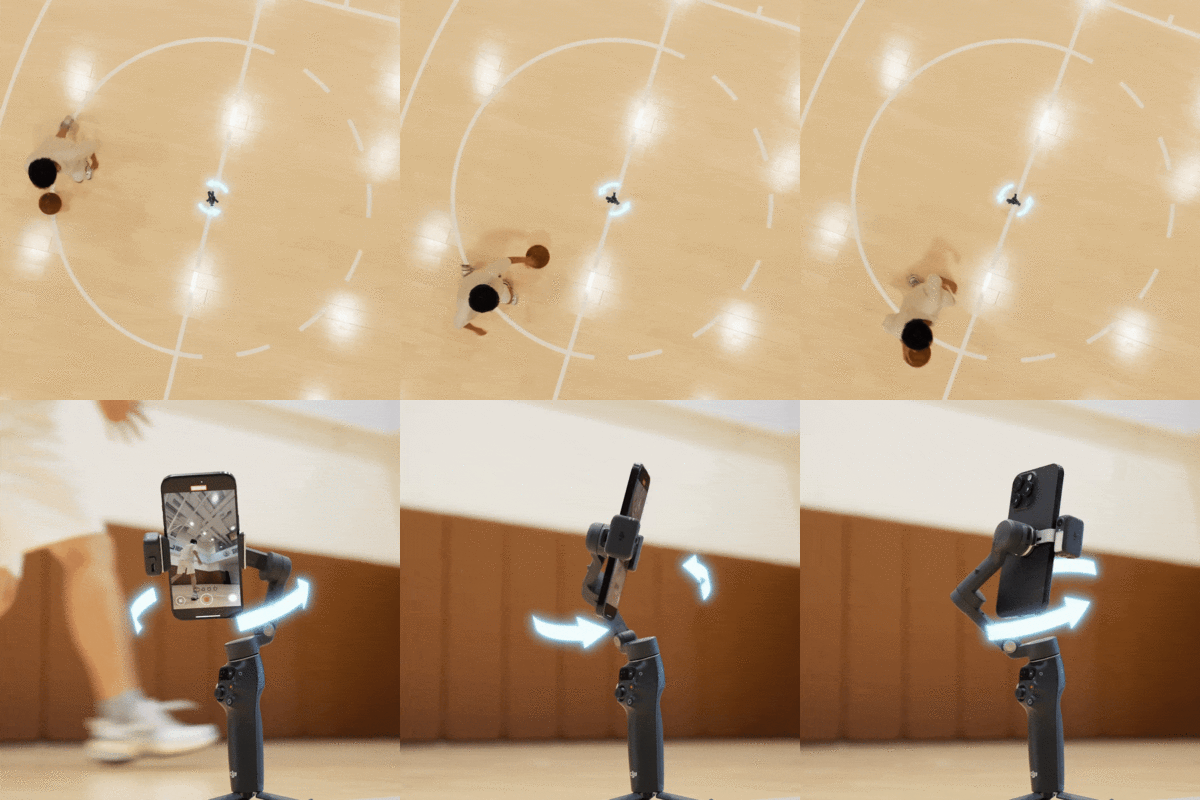
- Onboard controls include an integrated joystick and other buttons on the handle grip
- A system status indicator displays the battery level and gimbal mode
- A side wheel allows you to adjust the focal length and zoom in/out on your smartphone via Bluetooth 5.3 connectivity
- Press the trigger button three times to switch between front and rear cameras for selfie mode
- 360° controllable and mechanical panning range
- 120°/s control speed
Battery Life and Phone Charging
Intelligent Features

- Time-Lapse
- Motion-Lapse
- Hyper-Lapse to blend time seamlessly
- Use three different panorama modes to capture wide expanses
- Stretch and compress your video using DynamicZoom and Move In or Move Out modes
DJI Mimo App
- Compatible with iOS and Android smartphones
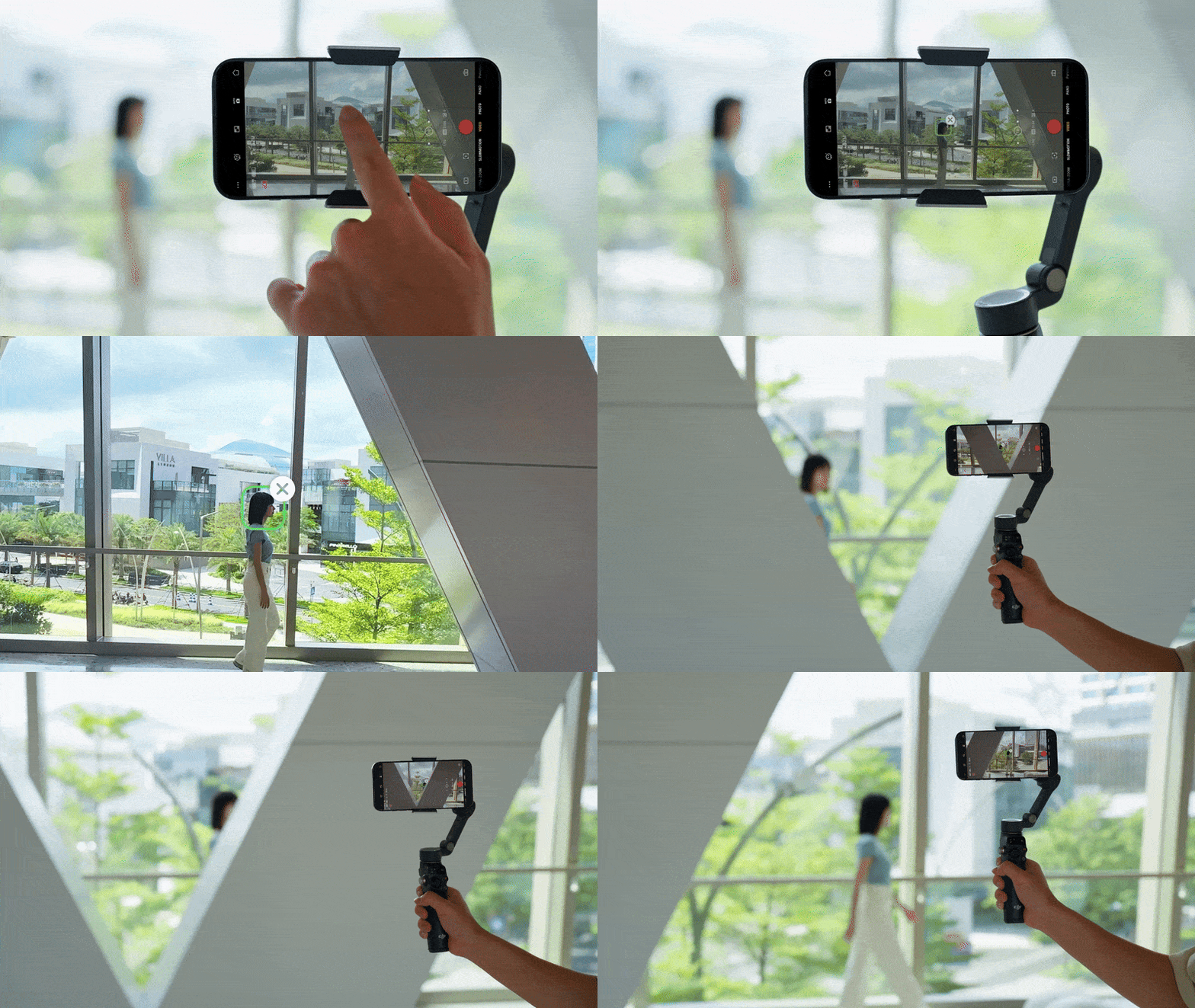
- ActiveTrack 7.0 technology built into the app allows the Osmo Mobile 8 to automatically keep your phone facing you as you move
- Use your Apple Watch to view the camera feed, control the gimbal, and enable ActiveTrack remotely
- AI-powered one-tap editing and exclusive video templates make creating videos intuitive and easy
- ShotGuides analyzes your shooting environment and recommends a shot sequence with a guided tutorial
Based on 0 reviews
Only logged in customers who have purchased this product may leave a review.


There are no reviews yet.