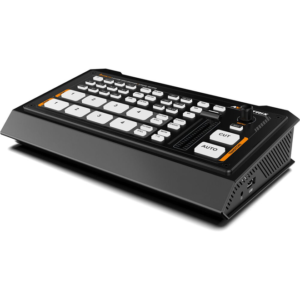
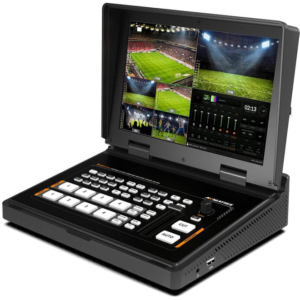
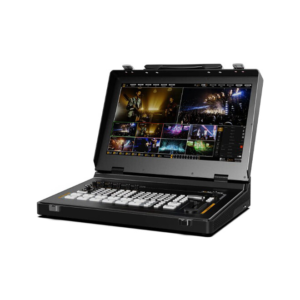
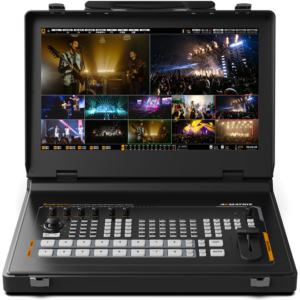
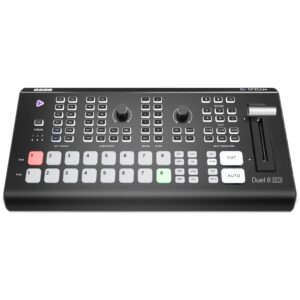
video switcher
Showing 1–24 of 25 results
-
Accessories, video switcher
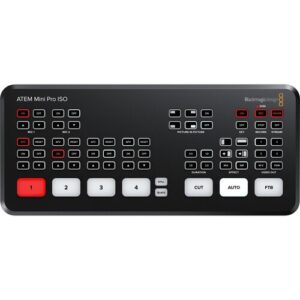
Blackmagic Design ATEM Mini Pro ISO HDMI Live Stream Switcher
Blackmagic Design ATEM Mini Pro ISO
Highlights
-
4-Channel Live Stream HDMI Switcher
-
Program and 4 x Input ISO Recording
-
Generates DaVinci Resolve Project
-
Live Tally, Stream, and Record Status
-
Record Button, Channel Preview Multiview
-
2-Channel Digital Audio Mixer per Source
-
HDMI Output, Ethernet ATEM Control
-
Media Player, Computer Input Support
-
Upstream and Downstream Keyers
-
DVE Transition, Chroma/Luma Keyers
Features
The ATEM Mini Pro ISO HDMI Live Stream Switcher from Blackmagic Design is a four-input live production switcher with an integrated control panel designed for multicamera live streaming up to HD video to the internet via Ethernet output. It features a USB output that allows you to record the program output as well as record the individual HDMI inputs to an external USB drive (not included). In addition to recording the program stream and individual inputs, the ATEM Mini Pro ISO also records the embedded audio and analog audio inputs, generating a DaVinci Resolve project file of your live stream. This allows you to take your live production into DaVinci Resolve to make tweaks or adjustments using the source material that is already on your USB drive.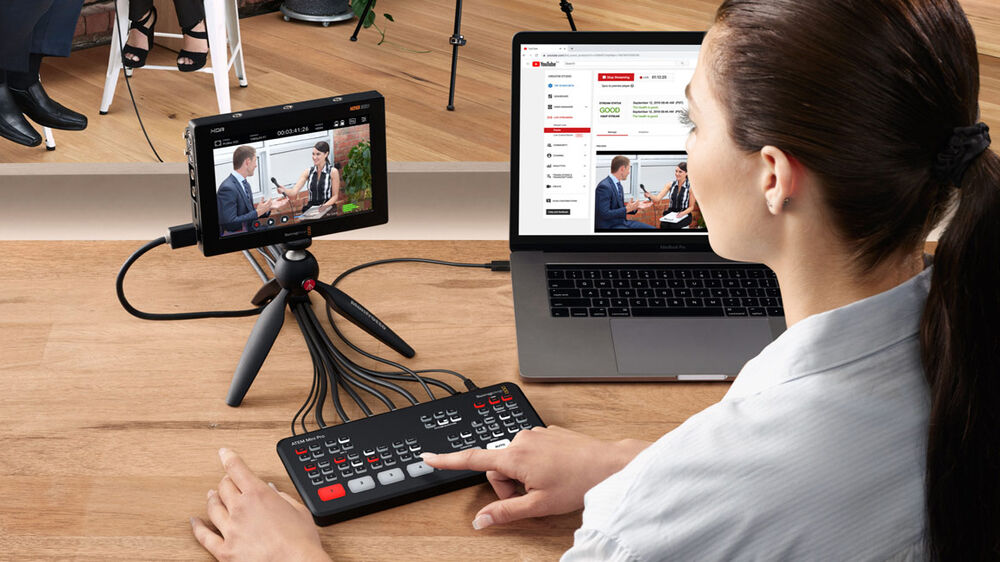 The ATEM Mini Pro ISO retains the same size, button layout, and rear panel interface connections as the ATEM Mini Pro, with new electronics that allow for the ISO recording and generation of the DaVinci project file. The ATEM Mini Pro ISO supports all the same features as the ATEM Mini Pro including upstream and downstream keyers, an advanced chroma keyer, two linear/luma keyers, a DVE transition keyer, a pattern generator, and color generators. There is also media player support for fill and key images, which supports up to 20 stills in PNG, TGA, BMP, JPEG, and TIFF formats. The ATEM Software Control Panel is used for control and configuration, and it allows you to monitor the data rate, audio meters, configuration, and status of your live feed. And you can use the panel to set up streaming to an optional Blackmagic Design Streaming Bridge anywhere in the world, as long as it is connected to the internet.
General
- Connecting a USB drive to the ATEM Mini Pro ISO’s USB port enables capturing the switched program stream, as well as up to four isolated (ISO) recordings of input video, as well as embedded audio, analog input audio, graphics, and a DaVinci Resolve project file of your switched program
- The device has the same footprint, layout, and connections as the ATEM Mini Pro
- Stream video up to 1080p HD
- Quick stream, on-air, and record buttons
- Hardware encoder so there’s no need for additional streaming software
- Control and configure timecode, stream status
- Full support and control features for BMPCC 6K/4K cameras
- Simultaneous USB recording
- Integration with MultiDock for live hard drive switching
- Customize advanced settings with XML files
- Software multiview with program previews, graphics, record status, on-air status, and audio meters
- Program preview input and output buttons
- Tally light control for BMPCC 6K/4K cameras
- Automatic timecode sync for all cameras
Transitions
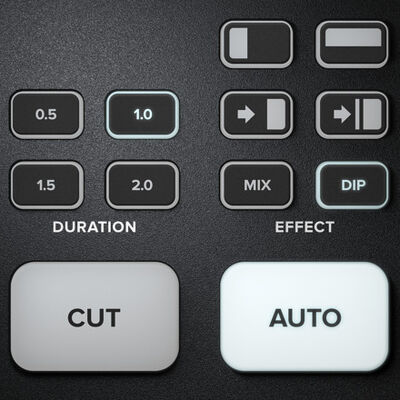 Available transitions include:
- Cut: When you press the cut button, ATEM instantly changes from your current program source to the preview source. Cuts can be performed by directly selecting sources or by pressing the cut button to switch to the next source.
- Mix: The mix, or dissolve, gradually transitions from one source to the next by creating a smooth blend. You can set custom timings to manually blend the transition.
- Dip: Just like mix transitions, a dip transition is a gradual blend that includes either a solid color, a graphic, or another clip between the two video sources. Dips to black or white between sources are the most popular, or you can use logos or sponsor graphics.
- Wipe: Built-in wipe patterns include circles, diamonds, squares, and more. Shapes and patterns can be inverted or softened and can even have customized colored borders.
- DVE: With the powerful built-in digital video effects processor, or DVE, you can push, spin, squeeze, or swoosh your live video from one camera to the next with incredible built-in transitions. DVE transitions can be flip-flopped and reversed, giving you even more transition options.
Upstream Keyer
Layer live video over other video sources or graphics with the upstream keyer. You can use the luma key, linear key, pattern key, or shoot against a green screen and use chroma key to instantly composite the video over virtual sets.- Luma key: Luma keys work best with high-contrast images, like white elements on a black background, so you can use the contrast to cut the black background and replace it with live video or graphics.
- Linear key: Get clean, high-quality results with linear keying by using two separate sources for the fill and the key to create one video image. The fill signal contains the video to be stacked over the background, while the key signal contains a gray scale mask to cut out, or mask, the area to be filled.
- Chroma key: Used every day for TV weather forecasts, chroma keys are a powerful way of combining live images in real time. The presenter typically stands in front of a green or blue background and the chroma keyer will remove only that color and combine it with another image, such as a video or graphic.
- Pattern key: Combine live images with any of the built-in wipe patterns to combine live images or graphics with geometric shapes. You get full control over softness, symmetry, size, and position to create unique picture-in-picture effects that can be transitioned to as easily as any live source.
Downstream Keyers
The ATEM Mini switcher includes one downstream keyer, so you can add high-quality graphics like logos, bugs, and titles from the built-in media player over the live stream program output. Downstream keyers are the last layers of keying, so they overlay all video switched to the main program output.Audio Mixer
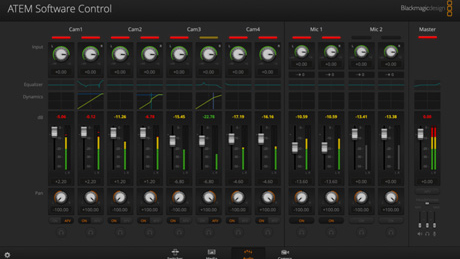 The built-in audio mixer lets you control both camera and external audio with precision level and balance adjustments on all six available audio inputs and two channels. The mixer features selectable on/off and audio-follow-video per channel, plus it has separate gain control per channel, level and peak metering, and new Fairlight audio enhancements such as compressor, gate, limiter, six bands of parametric EQ, and master gain control.
Monitor Output
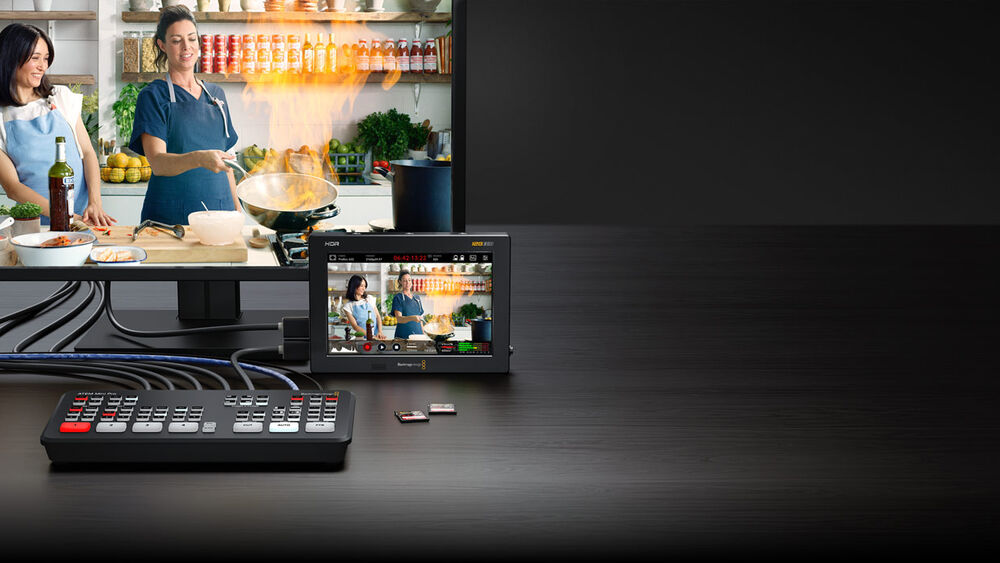 The HDMI monitor output allows you to see your sources, graphics, preview, and program output on a single screen.
Media Player
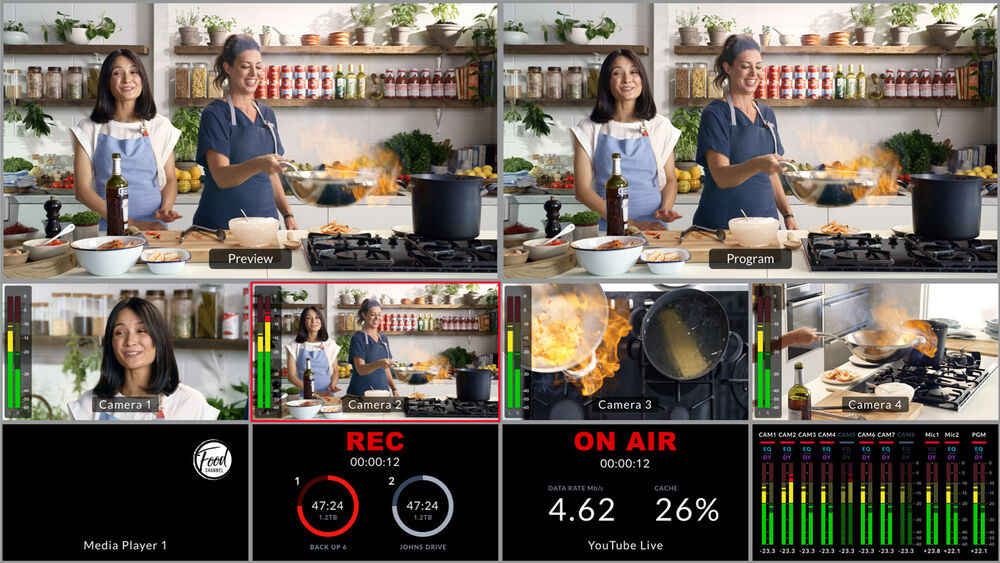 Eliminate external character generators by storing up to 20 broadcast-quality RGBA graphic files in the media pool. The one media player appears as input sources to your switcher. You can transition to graphics as full-frame video, or feed them to the keyers for overlaying video. Popular image formats such as PNG, TGA, BMP, GIF, JPEG, and TIFF are supported.
 SKU: n/a
 -